Seo Bix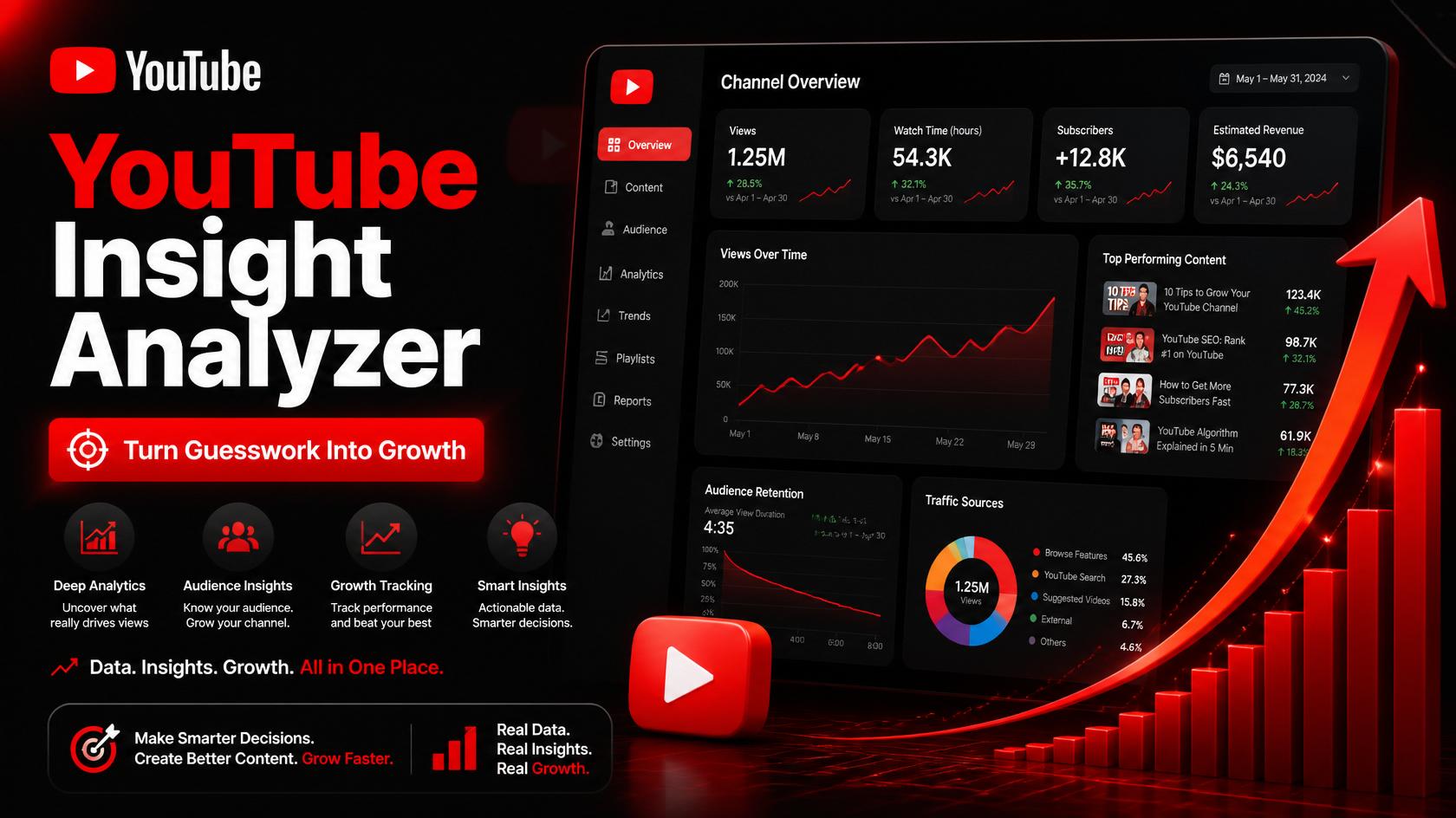
Every day, businesses and creators upload videos to YouTube hoping they’ll perform — but most never actually check why a video worked or why it didn’t. They look at the view count, feel good or bad about it, and move on. No tags analysis, no engagement breakdown, no comparison against competitors. That’s not a strategy, that’s a guessing game.
If you’re serious about growing on YouTube — whether it’s for your brand, your agency’s clients, or your own channel — you need real data, not just a view counter. That’s exactly the gap SeoBix’s YouTube Insight Analyzer is built to close.
What Is the YouTube Insight Analyzer?
The YouTube Insight Analyzer is a free tool from SeoBix that lets you paste any public YouTube video or channel link and instantly pull a clear, structured breakdown of its performance — views, engagement signals, tags, description quality, and other ranking-relevant data points, all in one place.
Instead of jumping between YouTube Studio, third-party extensions, and manual guesswork, you get a single report that tells you what’s actually working, what your competitors are doing right, and where the opportunities are.
Why This Matters for Businesses and Content Creators
YouTube is the second-largest search engine in the world, and for many industries — coaching, interior design, wellness, D2C brands, real estate — video is now the first thing a potential customer sees before they ever visit a website. If your videos aren’t optimized around what actually drives watch time and engagement, you’re leaving reach on the table.
For agencies and marketers managing multiple clients, manually auditing every competitor video is slow and inconsistent. A structured insight tool turns that process into something repeatable — the same way a backlink checker or keyword tool standardizes SEO audits.
What You Can Do With It
- Analyze any public video or channel by simply pasting its URL
- Review engagement patterns — views, likes, comments — to gauge real audience response
- Study tags and descriptions used by top-performing videos in your niche
- Benchmark your own videos against competitor content in the same space
- Spot patterns in what’s working before planning your next upload
How to Use the YouTube Insight Analyzer
- Pick a Video or Channel
Start with your own recent upload, or a competitor’s top-performing video in your niche — both give useful, different insights.
- Paste the URL and Run the Analysis
No login or installation needed. Paste the link into the tool and let it pull the relevant data points in seconds.
- Compare Against What’s Ranking
Look at videos already performing well for your target keywords or topic. Note the patterns in their tags, titles, and description structure.
- Apply the Insights to Your Next Video
Use what you’ve learned to refine your title, description, and tagging strategy before your next upload — instead of repeating the same guesswork.
Who Should Be Using This Tool
This tool is especially useful for digital marketing agencies managing video content for multiple clients, businesses running YouTube ad campaigns or organic channels, content creators trying to understand what makes competitor videos succeed, and social media managers who need quick, data-backed answers instead of hours of manual research.
Try the YouTube Insight Analyzer on SeoBix
SeoBix brings the same data-driven approach it applies to SEO, keyword research, and backlink analysis to YouTube performance. The YouTube Insight Analyzer is completely free to use — paste any video or channel link and get a clear breakdown in seconds, no sign-up required.
Combine it with SeoBix’s other free tools — DA PA Checker, Keyword Research, SEO Audit, Backlink Checker, and SERP Simulator — for a complete view of your brand’s visibility across both search and video.
Final Thoughts
Posting videos without understanding what actually drives their performance is like running ads without checking the analytics — you might get lucky occasionally, but you won’t grow consistently. The YouTube Insight Analyzer turns that guesswork into a repeatable process.
Whether you’re managing your own channel or optimizing video content for clients, a few minutes with the right data can save hours of trial and error — and help every future upload perform a little better than the last.


 The WebDesign
 Smart Packaging