Robert Wise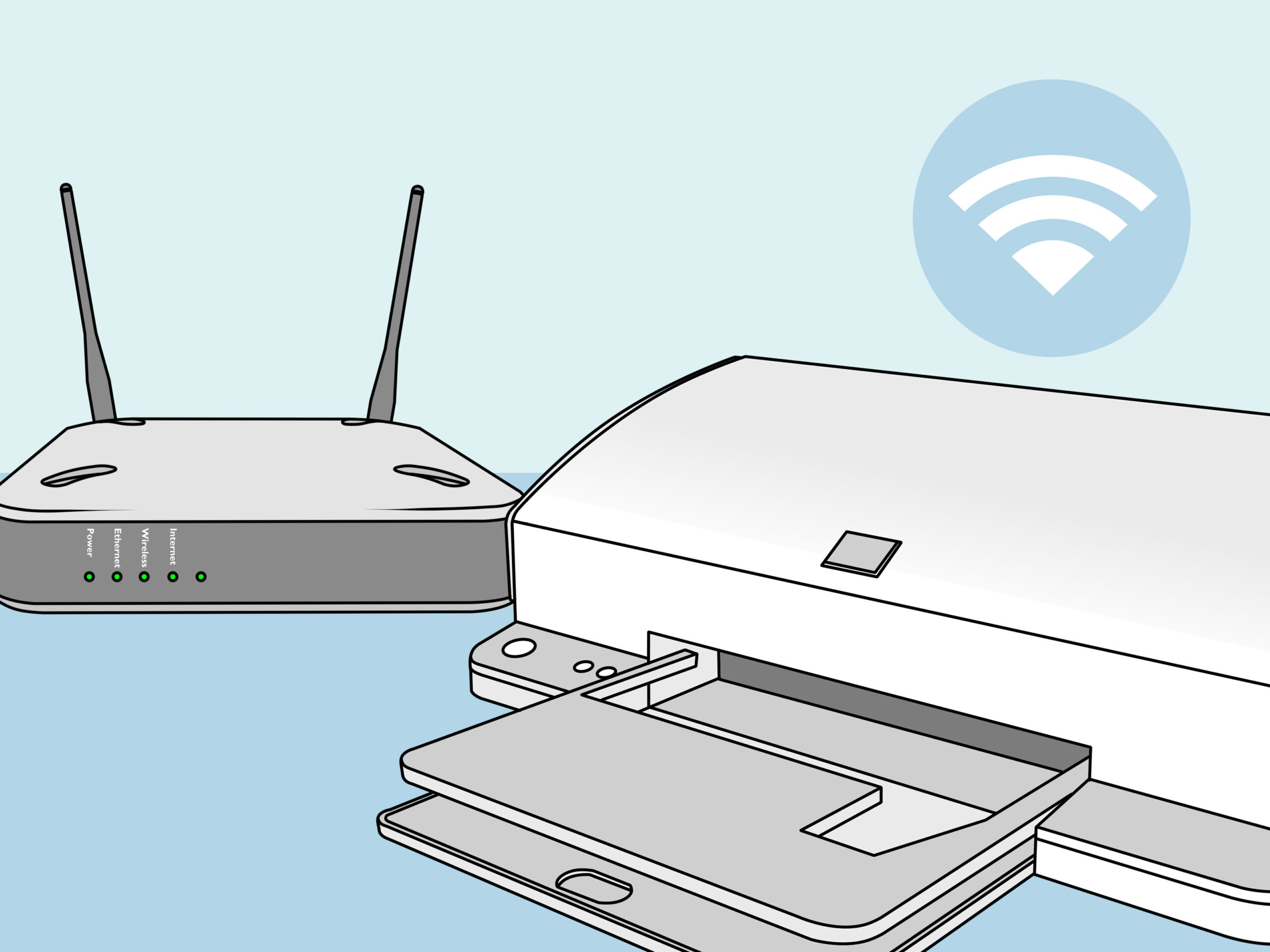
Setting up a printer for the first time doesn’t have to be a stressful experience. Whether you’ve purchased a home printer or a business-grade model, following a structured approach can save time and prevent frustrating errors. The right setup ensures smooth printing, reduces downtime, and lets you enjoy all the features your printer offers.
Step 1: Unboxing and Preparing Your Printer
Before anything else, unbox your printer carefully and remove all protective materials. Check that all components—cables, cartridges, manuals, and software CDs—are included. Place your printer on a stable surface near a power source and, if applicable, within range of your Wi-Fi network. Proper placement can prevent paper jams and connectivity issues later on.
Step 2: Installing Ink or Toner Cartridges
Next, install the ink or toner cartridges according to the manufacturer’s instructions. Avoid touching the sensitive components of the cartridge to prevent damage or poor print quality. Most printers will run an initial calibration or test print—let it complete this process to ensure everything is working correctly.
Step 3: Connecting Your Printer
This is where the type of printer connection matters. For wired printers, connect the USB or Ethernet cable to your computer or network. For wireless printers, the setup process is a little different. Wireless Printer Setup Tips for a Perfect Connection include ensuring your Wi-Fi network is stable, connecting your printer to the network via the printer menu or setup software, and installing the latest drivers on your computer. Following these tips can save you a lot of troubleshooting time later.
Step 4: Testing and Adjusting Settings
Once your printer is connected, run a test page to confirm it’s working correctly. Check for alignment, print quality, and connectivity. Take a moment to explore the printer settings—like duplex printing, paper size, and print quality options—so your future prints are optimized.
Step 5: Ongoing Maintenance Tips
To keep your printer in top condition, regularly clean the paper trays, update firmware, and replace consumables when necessary. A well-maintained printer reduces errors and extends the life of your device.
Conclusion
Setting up a printer doesn’t have to be complicated. By carefully preparing your device, installing cartridges correctly, following wireless setup tips, and maintaining your printer, you can enjoy hassle-free printing at home or in the office. A little effort upfront ensures smooth performance for years to come.


 ray architects
 Thatware LLP