Raul Smith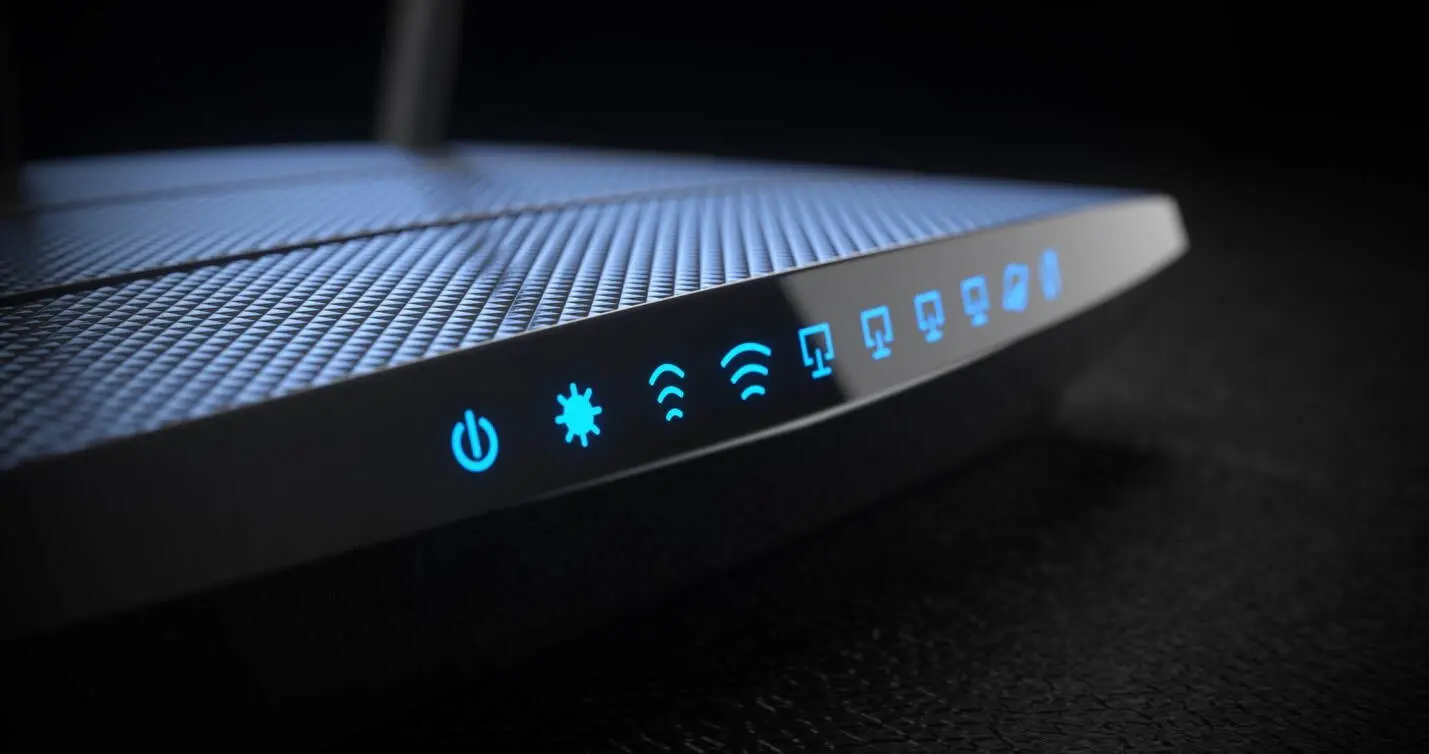
Plenty of families hesitate before installing cameras at home, worried it might come across as excessive or make everyone in the house feel watched. That hesitation is understandable, but a well-planned home CCTV installation isn’t about constant surveillance; it’s about peace of mind during the hours when nobody else is around to check in. The difference lies entirely in how the system gets set up and which spaces actually get covered.
Why the Worry Exists in the First Place
Nobody wants their home to feel like a security office. Cameras placed in bedrooms, bathrooms, or aimed directly at a helper’s private space cross a line that feels invasive rather than protective.
The discomfort usually comes from either poor placement or unclear intentions behind the system, not from the idea of cameras themselves.
What Reasonable Monitoring Actually Looks Like
Most families who get this right focus their cameras on shared spaces rather than private ones. This typically includes the living room where children play, the kitchen where meals get prepared, and the main entrance where anyone entering or leaving gets recorded.
Bedrooms and personal spaces stay camera-free, which respects everyone’s privacy while still covering the areas where accidents or concerns are most likely to happen.
Setting Boundaries That Everyone Understands
Before any camera goes up, it helps to have a short, honest conversation with anyone living in the home, including a helper if there is one. Explaining that cameras cover shared areas only, and why, tends to remove most of the discomfort upfront.
A few practices that make this easier:
- Sharing exactly which rooms will and won’t have cameras
- Explaining that footage is for safety, not daily monitoring of routine tasks
- Keeping camera angles limited to entry points and common areas only
- Reviewing footage only when there’s an actual reason to, not out of habit
Choosing the Right Camera Features for This Purpose
Not every camera feature matters equally here. For monitoring children or an elderly parent, two-way audio can be genuinely useful, allowing quick reassurance without walking into the room. For general household safety, motion alerts sent to a phone matter more than constant live viewing.
Cameras with local storage options also give families more control over footage, rather than relying entirely on cloud storage that others could theoretically access.
Where This Fits Into a Wider Home Network Setup
Cameras don’t operate in isolation. They rely on a stable home network setup to stream footage, send alerts, and allow remote viewing without lag or dropped connections. A camera placed in a weak WiFi zone will disconnect constantly, creating gaps in footage exactly when it might matter most.
This is why camera placement and WiFi coverage need to be planned together rather than as separate projects. A camera near the front door is only useful if that spot also has a strong, stable signal.
Common Mistakes Families Make
A few recurring mistakes show up again and again in homes that later regret their setup:
- Installing more cameras than needed, which increases both cost and discomfort
- Placing cameras without checking signal strength at that exact location
- Forgetting to inform household members, leading to trust issues later
- Choosing cloud-only storage without understanding who can access it
Avoiding these mistakes from the start makes the whole system feel far less intrusive and far more like a practical safety measure.
How to Introduce This Without Awkwardness
Framing matters more than people expect. Presenting cameras as protection for everyone in the home, including the helper’s own safety and accountability in case of disputes, tends to land better than framing it purely as monitoring.
Being transparent about camera locations and sticking strictly to shared spaces usually resolves any lingering discomfort within the first week of installation.
Getting the Balance Right From the Start
The homes that handle this best usually plan it properly before installation day rather than adding cameras reactively after a specific incident. A short consultation to map out which rooms genuinely need coverage and which don’t saves both money and awkward conversations down the line.
Frequently Asked Questions
Is it legal to install CCTV cameras that cover a helper’s work area?
Covering shared work areas is generally acceptable, but cameras should avoid the helper’s private sleeping quarters and personal space.
Should I tell my helper or family members about camera placement?
Yes. Being upfront about which areas have cameras builds trust and avoids the system feeling secretive or invasive.
Do I need cameras in every room to monitor children properly?
No. Covering the main living areas where children spend most of their time is usually enough for practical safety purposes.
Can weak WiFi affect how reliable my CCTV footage is?
Yes. A camera placed in an area with poor signal will disconnect often, creating gaps in recorded footage during exactly the moments that matter.
What’s the best way to introduce CCTV without it feeling excessive?
Focus coverage on shared spaces only, explain the reasoning clearly to everyone at home, and avoid placing cameras in private or personal areas.


 Antonio Thomas
 Garv Arora