Nextgen Gpost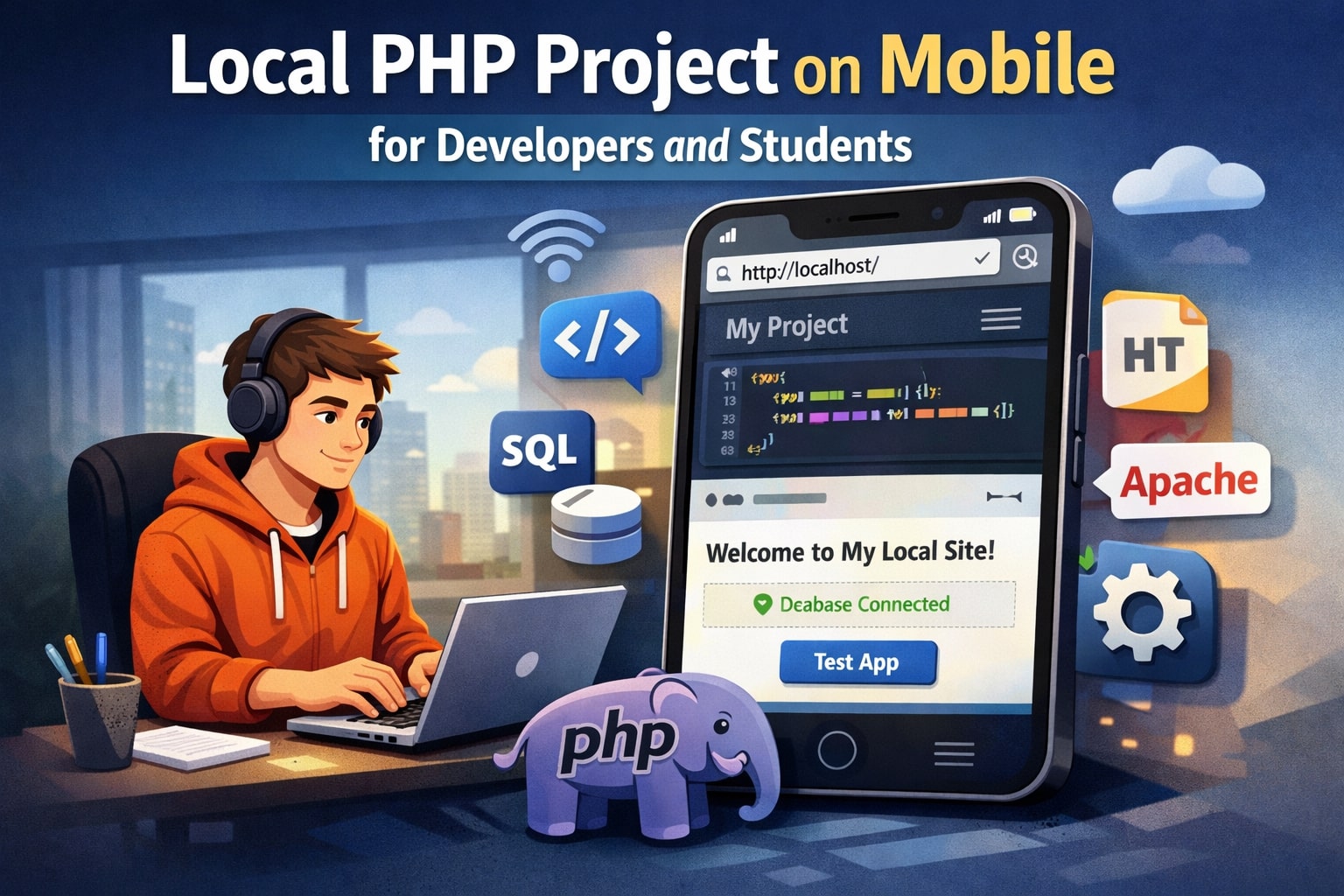
In today’s fast-paced learning and development environment, testing projects on the go has become essential. Running a Local PHP Project on Mobile allows developers and students to preview applications instantly, practice coding anywhere, and improve productivity without depending on a desktop system. Whether you are learning PHP for academics or building real-world projects, mobile testing offers flexibility and speed.
Why Running PHP Projects on Mobile Matters
Mobile devices are no longer limited to browsing or communication. With advanced hardware and powerful apps, smartphones can now handle development-related tasks. For developers, this means quicker testing cycles. For students, it means practicing PHP concepts without needing constant access to a computer lab.
Running PHP projects locally on mobile helps in:
-
Understanding how web apps behave on smaller screens
-
Debugging issues early during development
-
Learning server-side scripting in a flexible environment
-
Demonstrating projects easily to peers or clients
This approach is especially useful for students who want to experiment with PHP while commuting or revising concepts during free time.
Understanding Local PHP Development Basics
A local PHP project typically requires three components:
-
A web server (Apache or Nginx)
-
PHP runtime
-
A database (optional, such as MySQL or SQLite)
On desktops, tools like XAMPP or WAMP handle this setup. On mobile, similar functionality is achieved using lightweight server apps or terminal-based solutions that emulate a local server environment.
Best Mobile Platforms for PHP Development
Android Devices
Android is the most flexible platform for local PHP testing. Several apps allow you to run Apache, PHP, and even MySQL directly on your phone. Popular choices include:
-
Server-based apps with built-in PHP support
-
Terminal environments that let you install PHP manually
-
LAN-based testing using your computer as a server
Android devices are ideal for students because most tools are free and easy to configure.
iOS Devices
iOS is more restrictive but still usable for PHP project testing. Options include:
-
Local server apps from the App Store
-
Browser-based previews using LAN or tunneling tools
-
Remote testing through a computer server
While iOS may not offer as much freedom as Android, it still supports basic testing and previews.
Tools to Run PHP Projects Locally on Mobile
Mobile Web Server Apps
Some mobile apps bundle Apache, PHP, and database support. These apps allow you to place your PHP files in a local directory and access them through localhost in a mobile browser.
Benefits:
-
Easy setup
-
No coding environment required
-
Beginner-friendly
Limitations:
-
Limited customization
-
Performance constraints on older devices
Using LAN Server from Your Computer
Another effective method is running your PHP project on a computer and accessing it through your mobile browser using a local IP address.
Steps include:
-
Start your PHP server on a PC
-
Connect both devices to the same Wi-Fi network
-
Use the computer’s local IP in the mobile browser
This method is excellent for responsive testing and debugging mobile layouts.
Using Secure Tunneling Tools
Tunneling tools expose your local server to mobile devices using a temporary public URL. This approach is popular among developers who want quick access without network configuration.
Advantages:
-
Works over the internet
-
No Wi-Fi restrictions
-
Ideal for demos
Disadvantages:
-
Requires internet access
-
Free plans may have limitations
Benefits for Developers
For professional developers, testing PHP projects on mobile ensures:
-
Better mobile user experience
-
Faster bug detection
-
Improved responsive design testing
-
Real-time validation of API responses
It also helps developers understand how PHP applications behave across different screen sizes and mobile browsers.
Benefits for Students and Beginners
Students learning PHP gain multiple advantages:
-
Practice PHP concepts anytime
-
Reduced dependency on computer labs
-
Better understanding of client-server interaction
-
Confidence in handling real-world projects
Running projects on mobile makes learning more interactive and less intimidating.
Common Challenges and How to Solve Them
Performance Issues
Mobile devices have limited resources. To improve performance:
-
Use lightweight frameworks
-
Avoid heavy database queries
-
Optimize PHP code
File Management
Managing files on mobile can be tricky. Use:
-
File manager apps
-
Cloud storage integration
-
Clear folder structures
Security Concerns
Always remember:
-
Do not expose sensitive data
-
Avoid using production credentials
-
Use secure passwords even for local testing
Best Practices for Mobile PHP Testing
-
Keep your project lightweight
-
Test frequently during development
-
Focus on responsive layouts
-
Use error reporting during testing
-
Document changes and issues
Following these practices ensures smoother development and learning.
Learning and Building with Mobile PHP Projects
Mobile PHP testing encourages experimentation. Developers can test ideas instantly, while students can reinforce theoretical knowledge with hands-on practice. Over time, this habit improves coding speed and confidence.
It also prepares students for real-world scenarios where cross-device compatibility is critical.
Working with a Local PHP Project on Mobile Effectively
To get the best results from a Local PHP Project on Mobile, developers and students should focus on structured workflows. Organize files properly, test changes in small steps, and regularly review output on different mobile browsers. This approach ensures that the Local PHP Project on Mobile remains stable, efficient, and easy to manage while learning or developing applications.
Final Thoughts
Running PHP projects locally on mobile devices is no longer a niche practice. It is a practical, flexible, and efficient way for developers and students to learn, test, and improve PHP applications. With the right tools and best practices, mobile devices can become powerful companions in your PHP development journey.


 superworks Service
 Oscorm Digitals