Rachel White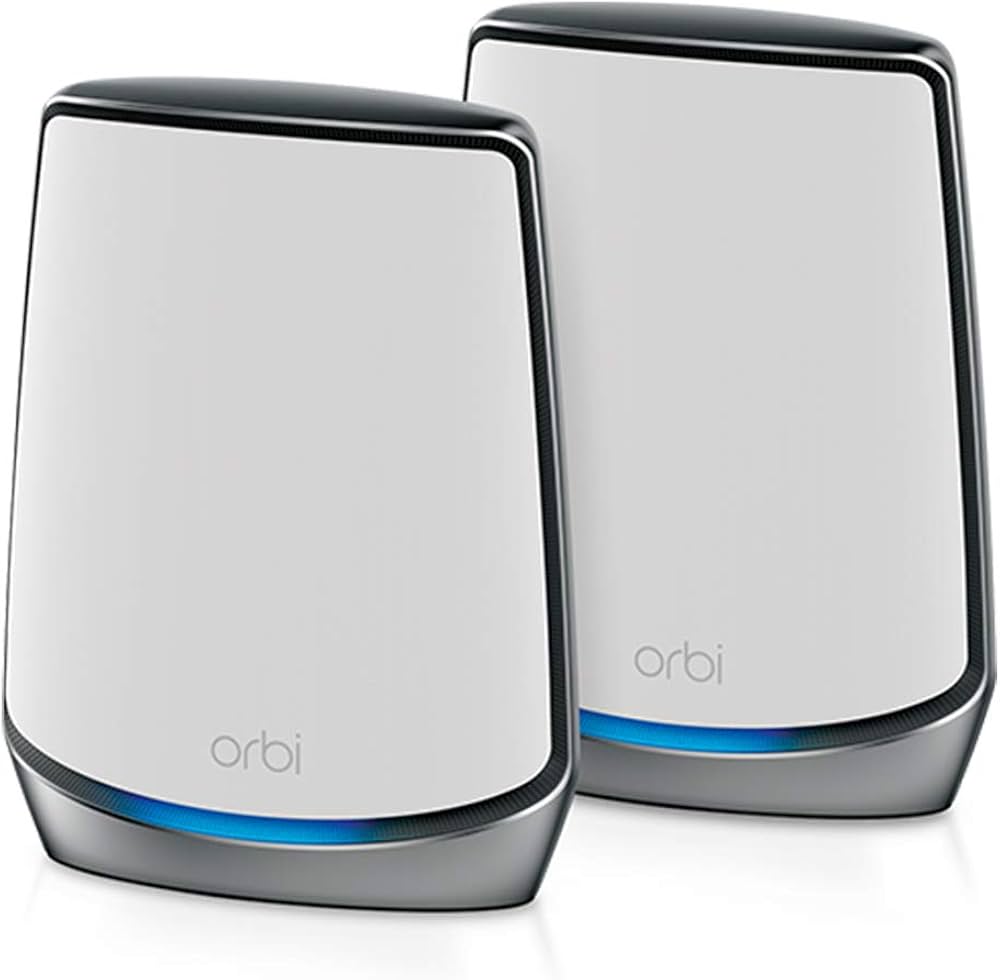
Connect to Orbi Wi-Fi system is straightforward and ensures a strong, reliable wireless connection throughout your home. Orbi is a mesh Wi-Fi system, which means it uses a main router and one or more satellite units to expand coverage. To connect, first, ensure the Orbi router is plugged in and powered on. The router should be connected to your modem using an Ethernet cable. Once the router’s LED lights indicate proper operation, you can start the setup process.
For the easiest setup, download the Orbi app from the Apple App Store or Google Play Store. Open the app, and follow the on-screen instructions to create a new network. The app will guide you through naming your Wi-Fi network (SSID) and setting a password. Make sure to choose a strong password to maintain network security. Once the router setup is complete, place any Orbi satellite units in strategic locations where you want to boost Wi-Fi coverage. Ideally, satellites should be within range of the main router but far enough to extend the signal effectively.
To connect your device, go to your device’s Wi-Fi settings, select your newly created Orbi network, and enter the password. Devices will automatically connect once credentials are entered correctly. If you experience issues, check that your firmware is up to date by logging into the Orbi web interface at orbilogin.com. From there, you can manage settings, update firmware, and monitor connected devices. For advanced users, the web interface allows customization of network settings, guest networks, and parental controls.
Once connected, your devices should enjoy seamless roaming between the Orbi router and satellites, providing consistent speed and minimal dead zones. The Orbi system is designed to simplify connectivity, ensuring all devices, from smartphones to smart TVs, stay online without interruptions. Proper placement, firmware updates, and secure credentials are key to maintaining optimal performance.


 Jenny Walker
 alexender jack