mtoag technology
Introduction
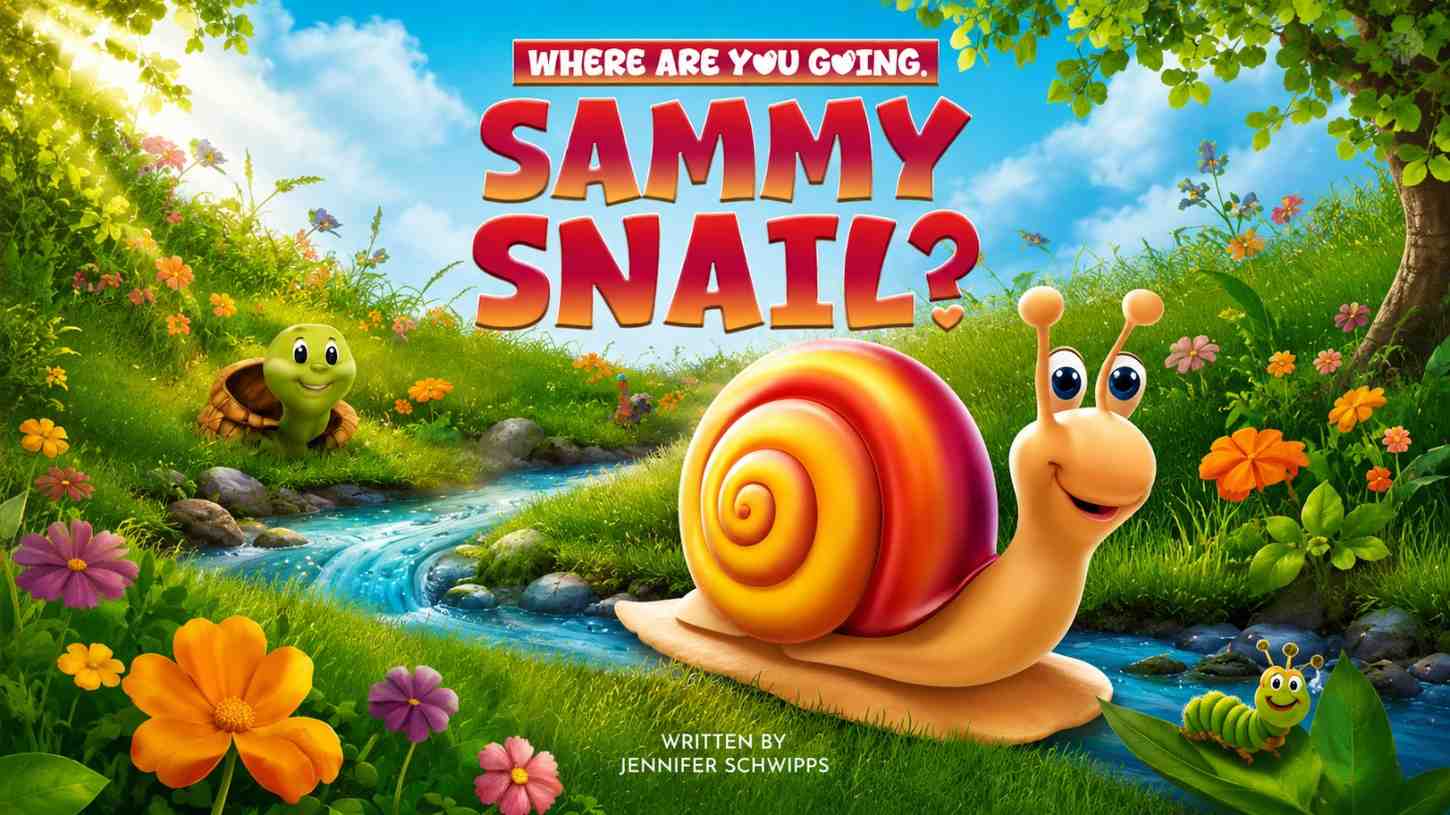
These days, marketing is all about visuals. Whether you’re scrolling through social media, checking out ads, or reading blog posts, it’s the images that grab you first—way before the words do.
For a long time, making great visuals cost a lot of money and took forever. That’s just how it was.
But things have changed. Tools like Bing Image Creator make it fast, easy, and pretty shockingly affordable to create all kinds of marketing images. All you do is type a prompt, and suddenly you’ve got:
- Stunning marketing visuals
- Product mockups
- Creative social media posts
- Ad designs
And here’s the kicker—you don’t need to hire a designer.
This guide shows how businesses are using AI image tools for marketing, and how you can jump in, too.
What’s Bing Image Creator in Marketing?
Bing Image Creator uses AI—think DALL·E and that sort of tech—to turn your words into images in seconds.
For marketers, this means you get content done faster, you spend way less on design, and you’re pretty much unlimited in the ideas you can try.
Instead of calling up a designer for every little thing, you type a prompt and the visual is ready almost instantly.
Why Businesses Are Going for AI Image Tools
- Saving Money
Paying designers or shelling out for stock images adds up fast. AI tools cut your costs, ditch pricey subscriptions, and slash production times.
- Speed and Efficiency
Regular design work can take hours or days. AI image generation? Just seconds. That kind of speed lets businesses launch campaigns faster and try out loads of different creatives until they find the ones that work.
- Unlimited Creativity
You can whip up totally original concepts, unique images, and fresh designs whenever you want. No more boring, overused stock photos.
7 Real Ways Businesses Use Bing Image Creator
So how do businesses actually use this tool? Let’s look at some real examples.
- Social Media Marketing
Social media never stops, so you always need new content. With Bing Image Creator, it’s easy to design Instagram posts, Facebook ads, and Pinterest pins on the fly.
Example Prompt:
“Modern cafe interior, aesthetic lighting, Instagram style, cozy vibe”
What you get: Eye-catching visuals that pull people in and get them to engage.
- Blog & SEO Content
Images seriously boost blog and SEO performance. Use AI to create featured images, infographics, or visual explanations.
Example:
A marketing blog prompts: “SEO workspace with laptop, analytics dashboard, modern desk”
- Product Marketing
You don’t need pro photography anymore. Businesses create product mockups, lifestyle images, and concepts with a simple text prompt.
Example Prompt:
“Luxury skincare product on marble table, soft lighting, premium look”
- Paid Advertising (Facebook & Google Ads)
The visuals on your ads make or break your results. AI makes it easy to test multiple variations and find which gets the best response.
Smart marketers generate over ten versions and see what actually performs.
- Branding & Visual Identity
New businesses often struggle to pin down a look and feel. Bing Image Creator helps you sketch out brand visuals, mood boards, and even early logo ideas to explore different styles.
- E-commerce Listings
Great product photos sell products. Use AI to create lifestyle shots, different backgrounds, or promo banners in minutes.
Example:
“Minimalist home decor product in modern living room, natural light”
- Email Marketing Campaigns
Emails with good visuals get more attention. Businesses use Bing Image Creator to make banners, seasonal graphics, and images for special offers—fast.
With tools like these, it’s easier than ever to make marketing visuals that work. And you don’t have to be a designer to do it.
How Businesses Use Bing Image Creator: A Simple Walkthrough
- Set Your Goal
Ask yourself: What do you need right now? Maybe it’s an ad, a blog graphic, or something for social media.
- Write a Prompt That Gets Results
Think of your prompt as a recipe. You want to include the subject, style, lighting, and quality.
For example: “Professional office workspace, clean corporate style, soft lighting, ultra-realistic, 4K.”
- Create a Few Options
Don’t settle with just one image—always make several. You’ll want to pick the best.
- Polish Your Favorites
Now clean things up. Open your picks in Canva or Photoshop and make them shine.
- Publish, Track, and Learn
Use the images in your campaigns. Pay attention to what works.
Hidden Tips for Better Marketing
– Put Emotion Front and Center
Images packed with real emotion grab more attention.
Example: “Happy customer using product, natural smile, bright lighting.”
– Ride the Wave of What’s Trending
Make sure your visuals match current events, holidays, or viral trends.
– Stick With Your Brand Vibe
Keep your colors, style, and themes consistent so your brand stands out, no matter where people see you.
– Go Big With Bulk Creation
Make a bunch of images and test different versions. See what hits.
Bing Image Creator vs. Old-School Design
Cost: Bing is cheap—or even free. Traditional design costs way more.
Speed: Bing works in seconds. A designer takes days.
Creativity: Bing will try almost anything. Designers might be more limited.
Skill needed: You don’t need any. Traditional tools? You usually do.
So, if you need speed and low cost, AI is the way to go.
A Few Things To Watch Out For
– It’s Not Perfect Every Time
Sometimes the images look off or just plain weird.
– You Don’t Have Total Control
Compared to Photoshop, you’re giving up some fine-tuning.
– Not Everything’s Allowed
Certain prompts get blocked.
How to handle this? Use AI for speed, then take your best images to editing tools for a finishing touch.
What’s Next for AI in Marketing?
Image generation is just the start. Soon, you’ll see AI making videos, running ads in real time, and personalizing visuals for every customer.
If you jump in early, you’ll have a huge edge over the competition.
A True Story: Small Brand, Big Results
Let’s say a small online shop wants to launch a new product.
- Before AI? They’d have to hire a photographer, spend thousands of rupees, and wait days for photos.
- Now with Bing Image Creator? Instant images, quick testing, fast campaign launch. All in a single day.
That means faster growth at a much lower cost.
Bottom Line
Bing Image Creator is a game-changer. Whether you’re a startup, blogger, or small business, you save time, cut costs, and spark creativity.
The marketing world moves fast, and visuals drive almost everything. With tools like Bing Image Creator, you can quickly make high-quality images, scale up your content, and leave competitors behind.
If you haven’t started using AI in your marketing yet, now’s the time. The sooner you start, the bigger the edge you get.
Frequently Asked Questions
- Can businesses use Bing Image Creator for ads?
Absolutely. It’s a popular way to make ad graphics and other marketing images.
- Is it really free for businesses?
Yes, though there are some limits—but you can earn extra credits with Microsoft Rewards.
- Do AI-made images help SEO?
Definitely. Unique images keep people engaged and help your rankings.
- Do I need any design experience?
Nope. Just write clear prompts and you’re set.

 Mason Reed
 Epicware Ai